Lead capture and follow-up
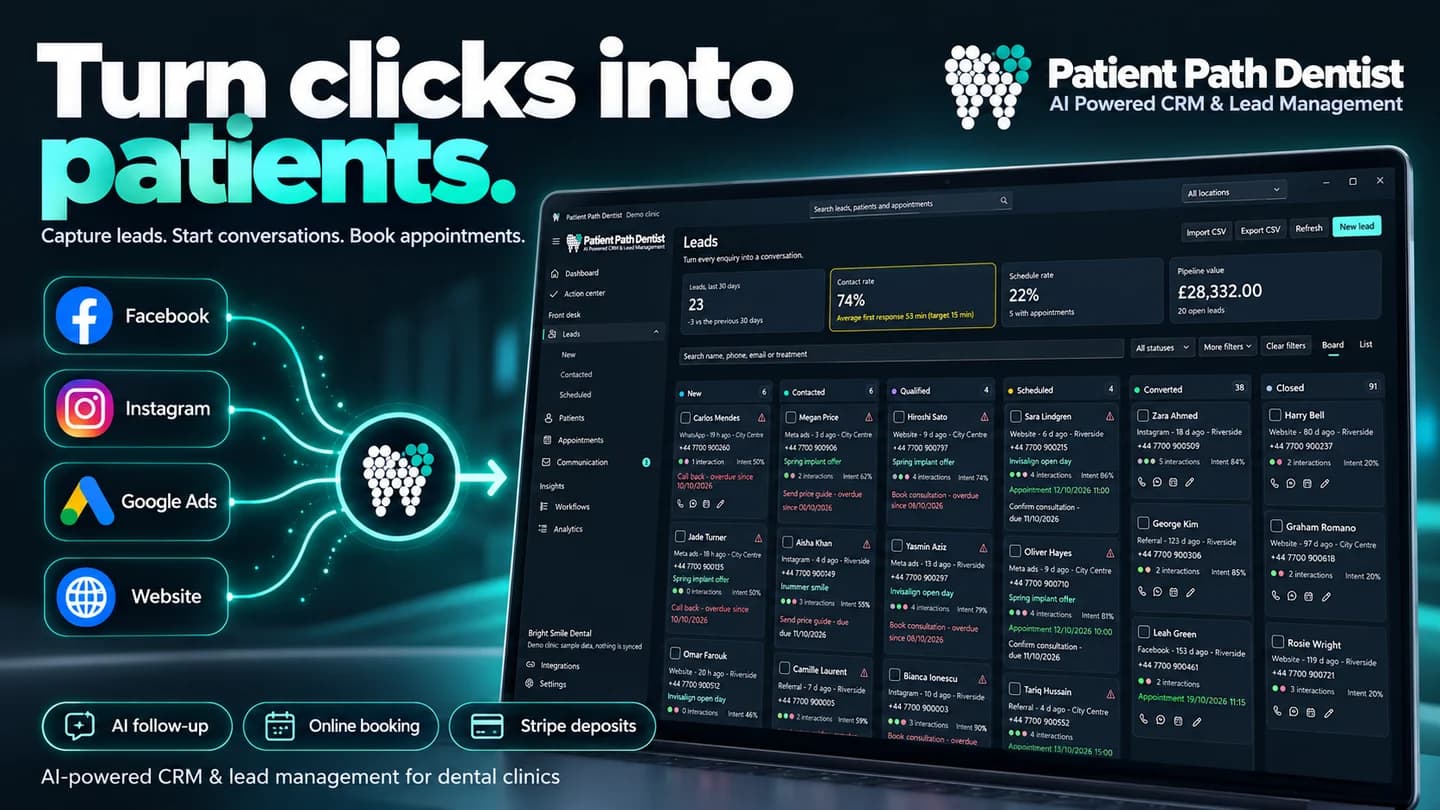
Capture enquiries from Facebook, Instagram, website forms and Google Ads, or import them from CSV. Track each enquiry through clear stages, assign a team member and set reminders for the next conversation.
DENTAL PRACTICE SOFTWARE · NOW ON THE MICROSOFT STORE

Patient Path DentistBeta release · Built by Creativ Digital
Patient Path Dentist brings leads, patient records, 3D dental charts, appointments and reporting into one Windows app. Give your reception, clinicians and call-centre team a shared workspace for the practice, with access to local records even without an internet connection.
ONE APP FOR YOUR PRACTICE TEAM
Follow new enquiries, organise appointments and keep each patient's context together. The same information supports reception, clinical work and practice management.
Capture enquiries from Facebook, Instagram, website forms and Google Ads, or import them from CSV. Track each enquiry through clear stages, assign a team member and set reminders for the next conversation.
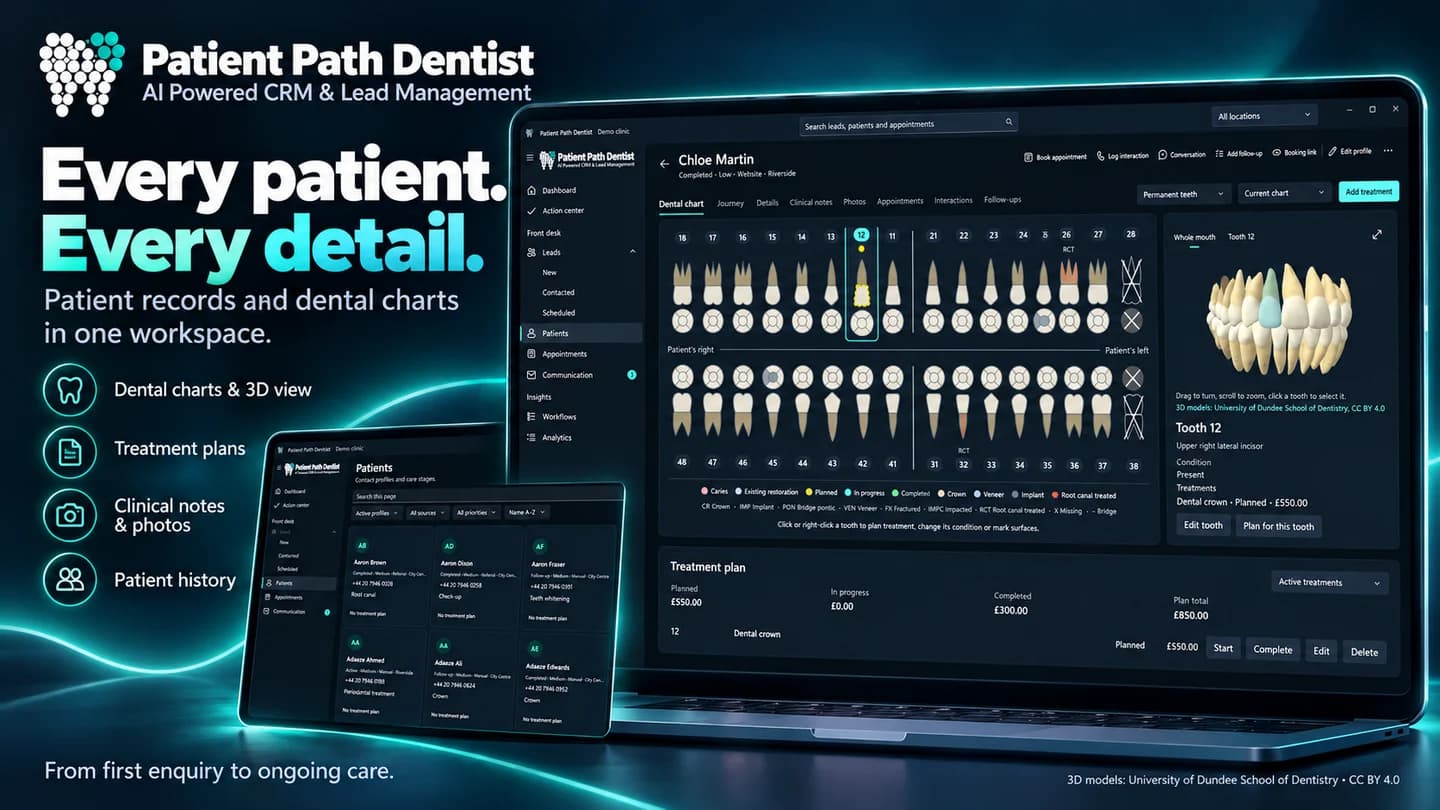
Bring patient profiles, journey boards and an interactive dental chart together, with a 3D tooth view and per-tooth history. Keep X-rays and clinical photographs securely alongside each patient file.
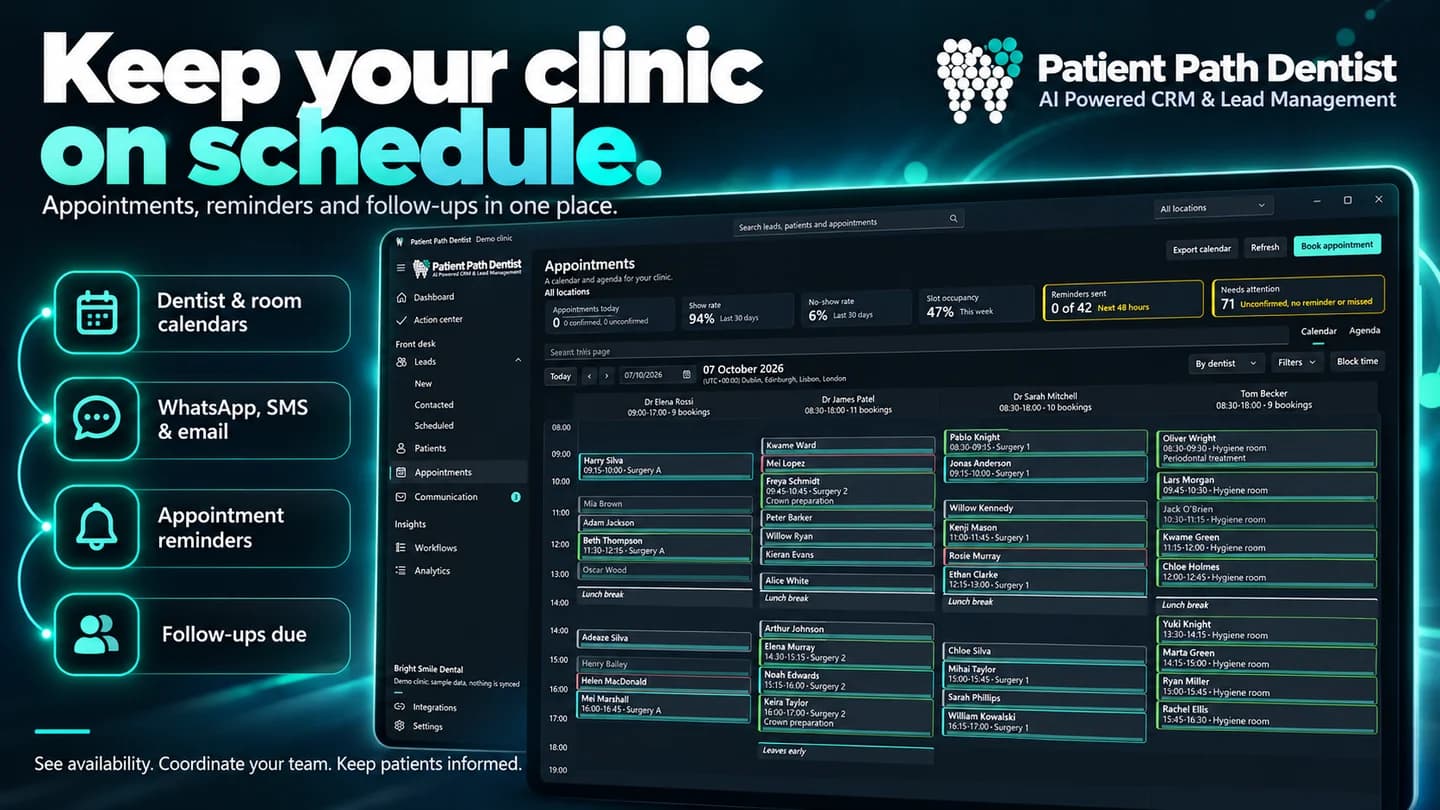
Schedule across multiple locations, treatment rooms and chairs. See free slots and occupancy, block unavailable time and reschedule appointments with drag-and-drop.
Let patients choose an available time and pay a deposit as part of booking. Funds go directly to your clinic's own merchant account, while your team can follow the appointment in the calendar.
Prepare emails and SMS using structured templates and connect your practice's messaging channels. The built-in assistant helps draft replies, with clinical safety guardrails for patient conversations.
Set actions for leads and appointments. A new enquiry or a status change can assign a lead, add tags, update its stage and prepare a follow-up message.
Track revenue, completed bookings and enquiry conversion in a central dashboard. Compare location performance to understand where your practice has opportunities to grow.
Organise work through team roles, including call-centre staff. A shared calendar updates in real time while the team is connected, giving reception and clinicians the same view of appointments.
THE PATIENT RECORD
From the first conversation to treatment, each patient has a profile and a visual journey. Dental charting and clinical images make relevant information easier to find during a consultation.
FROM ENQUIRY TO APPOINTMENT
Ads, website forms and CSV imports bring new enquiries into one place.
Assign a team member, follow the stage and prepare the next message.
Find the right availability or offer online booking with a deposit.
Keep the appointment, records and history connected, then review the results.
BUILT FOR THE WAY A PRACTICE WORKS
Continue working with records stored on your PC when the connection drops. Synchronisation keeps information connected when internet access is available, while encrypted backups include restore verification.
Synchronisation, lead capture from external services and online booking require an internet connection.
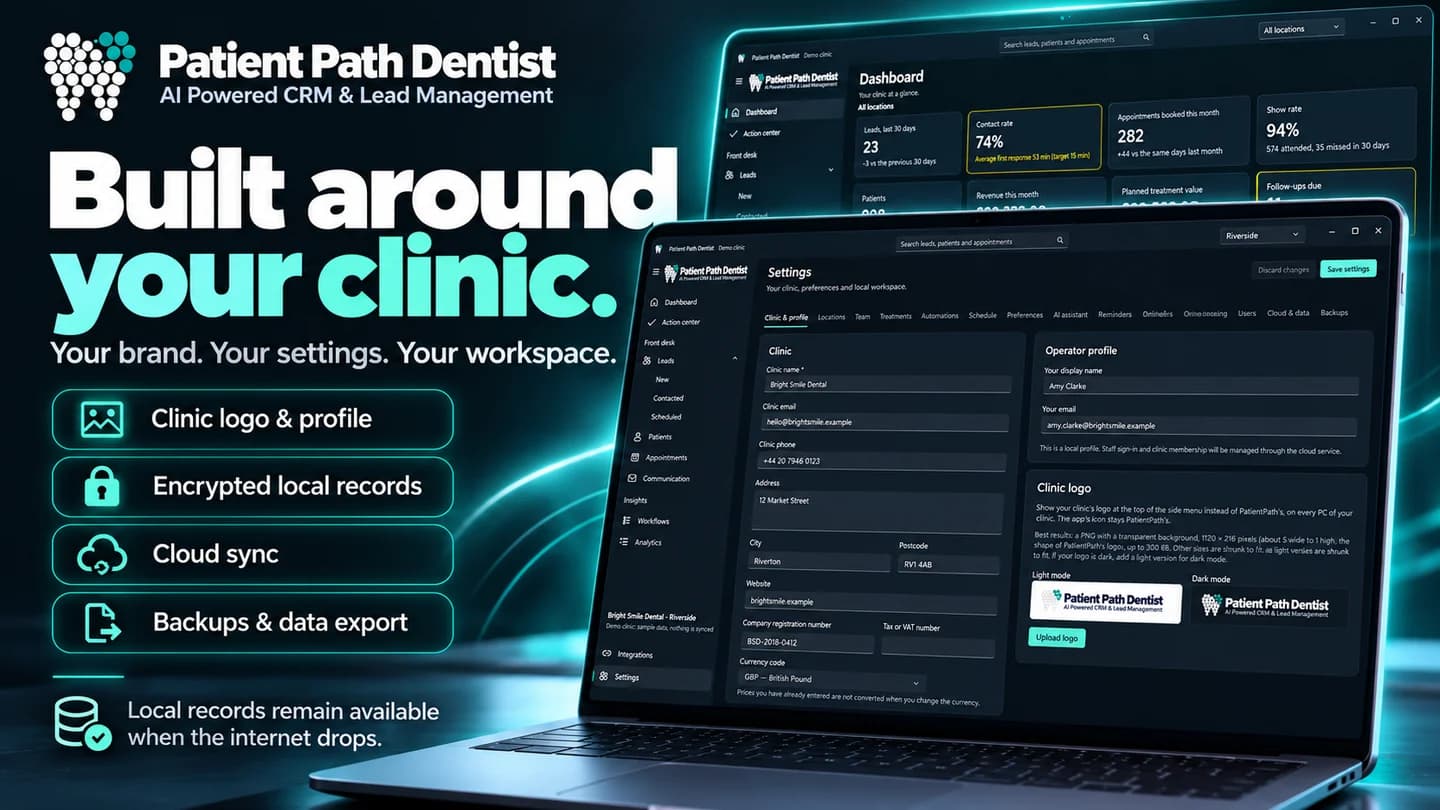
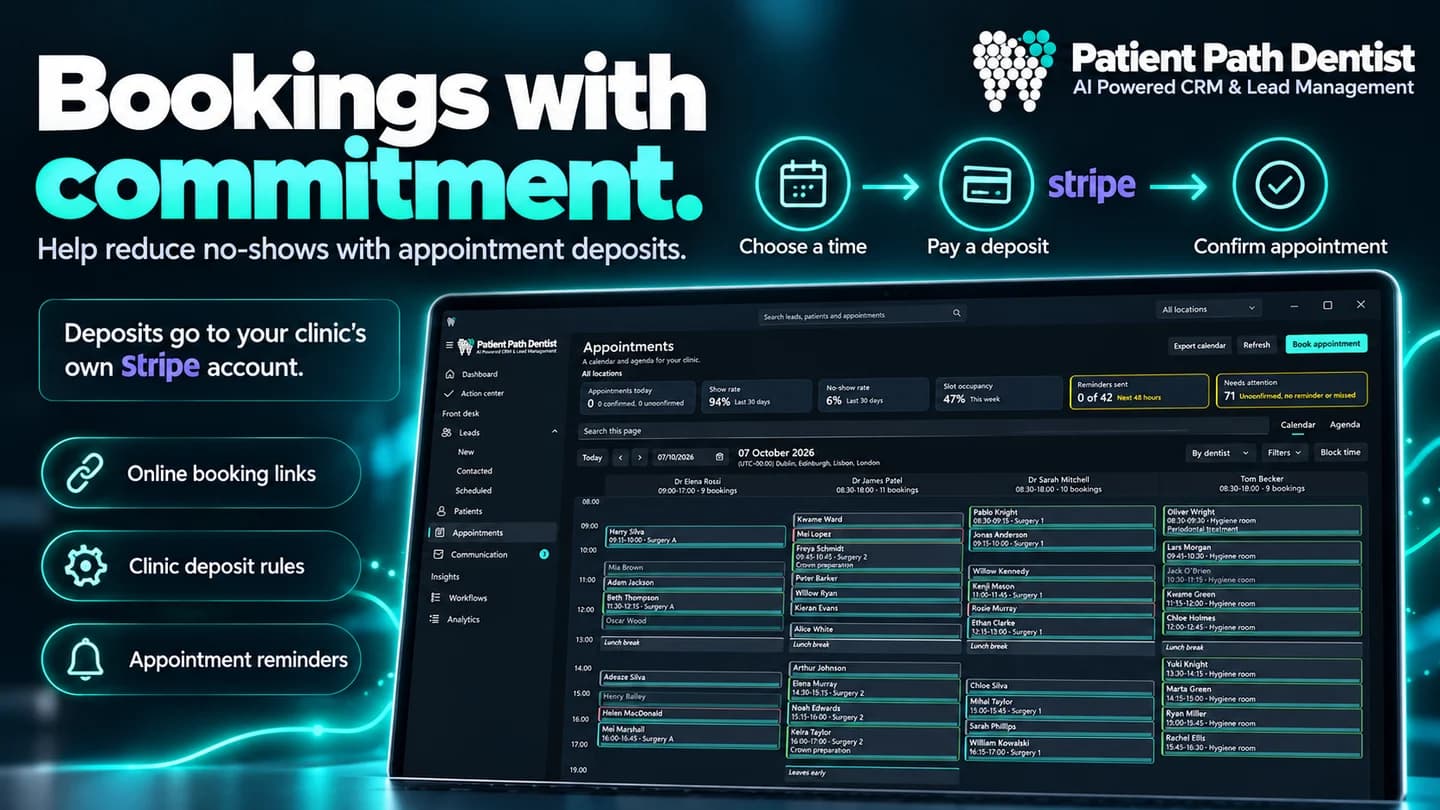

Promotional artwork from the Microsoft Store launch. Demo clinic records and figures are examples, not guaranteed practice results.
See all images on the Microsoft Store →The app is available on the Microsoft Store as Patient Path Dentist. The download buttons on this page open its official listing. The product is currently presented as a beta release.
The Microsoft Store lists a PC running Windows 11 version 22621.0 or later, at least 4 GB RAM and DirectX 12. It recommends 6 GB RAM. Check the listing for the full requirements and your device's compatibility.
Yes. Records stored locally remain available offline. Features using external services, including sync between PCs, lead capture and online booking, require an internet connection.
Yes. PatientPath includes a demo clinic with realistic sample records, so you can explore its features and workflows before migrating your own practice.
The Microsoft Store lists nine languages: English, Romanian, German, French, Italian, Spanish, Dutch, Polish and Portuguese. The app also supports multiple currencies.
Yes. The calendar covers multiple locations, rooms and chairs, and team roles include call-centre staff. The dashboard supports comparisons between locations.
Online booking deposits go directly to your clinic's own merchant account. The Microsoft Store lists in-app purchases; check the current options and prices before activating paid services.
Install Patient Path Dentist for Windows and try the included demo clinic.
Windows 11 · version 22621.0 or later · Beta · In-app purchases