Live whitening, no credits
Open the live mirror and choose Natural for a subtle effect or Bright for a stronger one. Adjust the strength, hold to see the original and save a snapshot. The effect is processed on your phone.
SMILE PREVIEWS · NOW ON GOOGLE PLAY

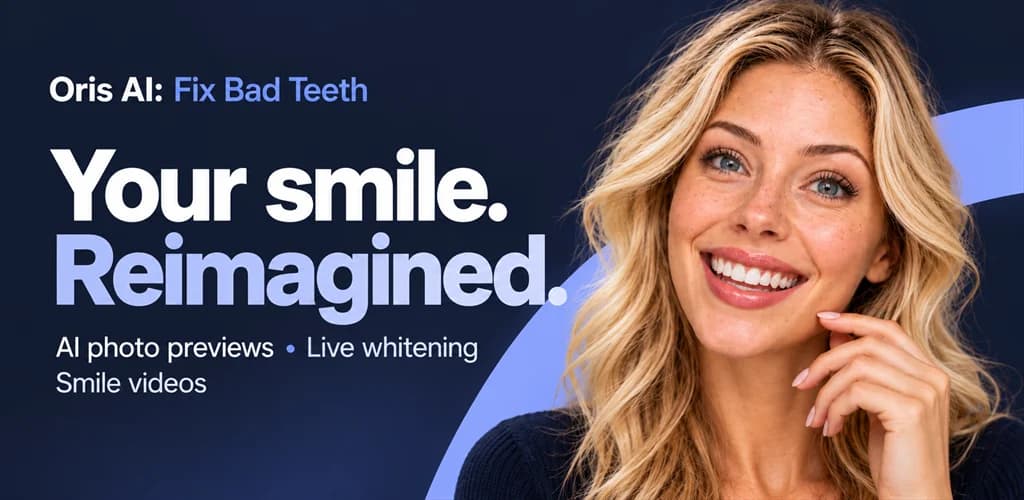
Oris AIFix Bad Teeth
Try a brighter-looking smile for free, live in your phone's camera. With Oris AI, explore six AI photo previews, from veneers to more aligned teeth, then turn a saved image into a short AI smile video.
Built by Creativ Digital · In English and Romanian
FROM LIVE CAMERA TO PHOTO PREVIEWS
Open the live mirror and choose Natural for a subtle effect or Bright for a stronger one. Adjust the strength, hold to see the original and save a snapshot. The effect is processed on your phone.
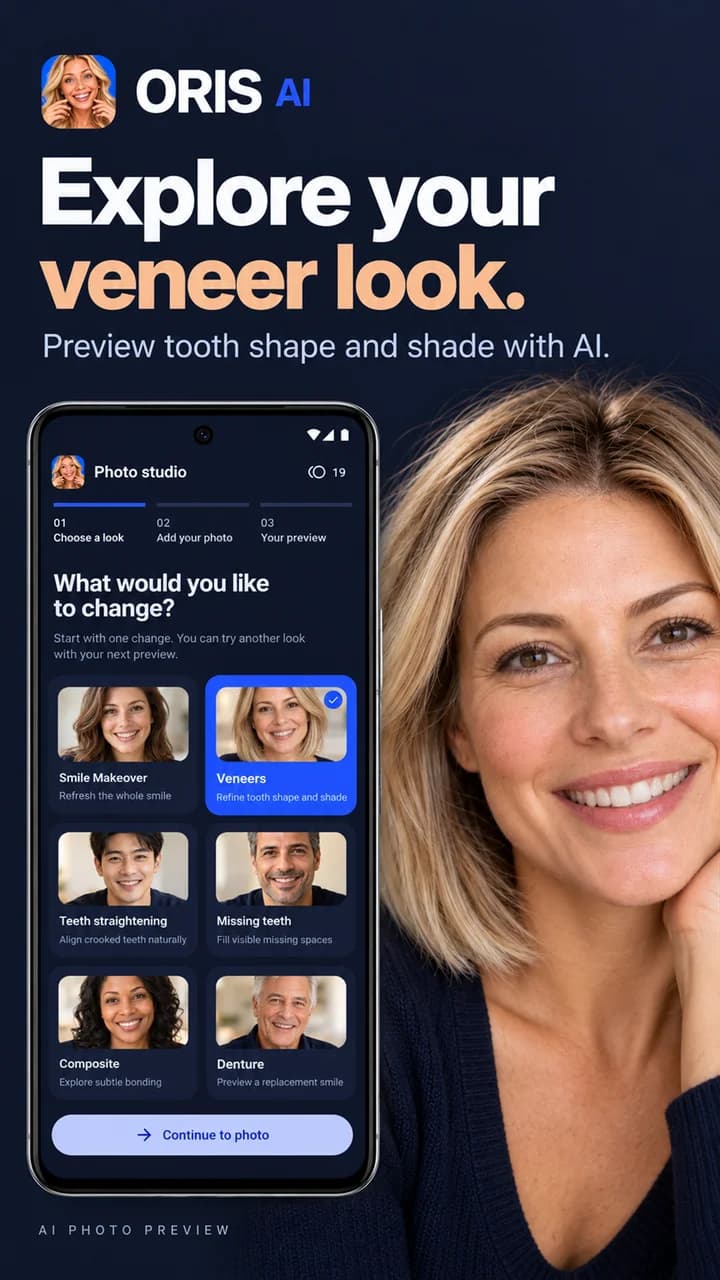
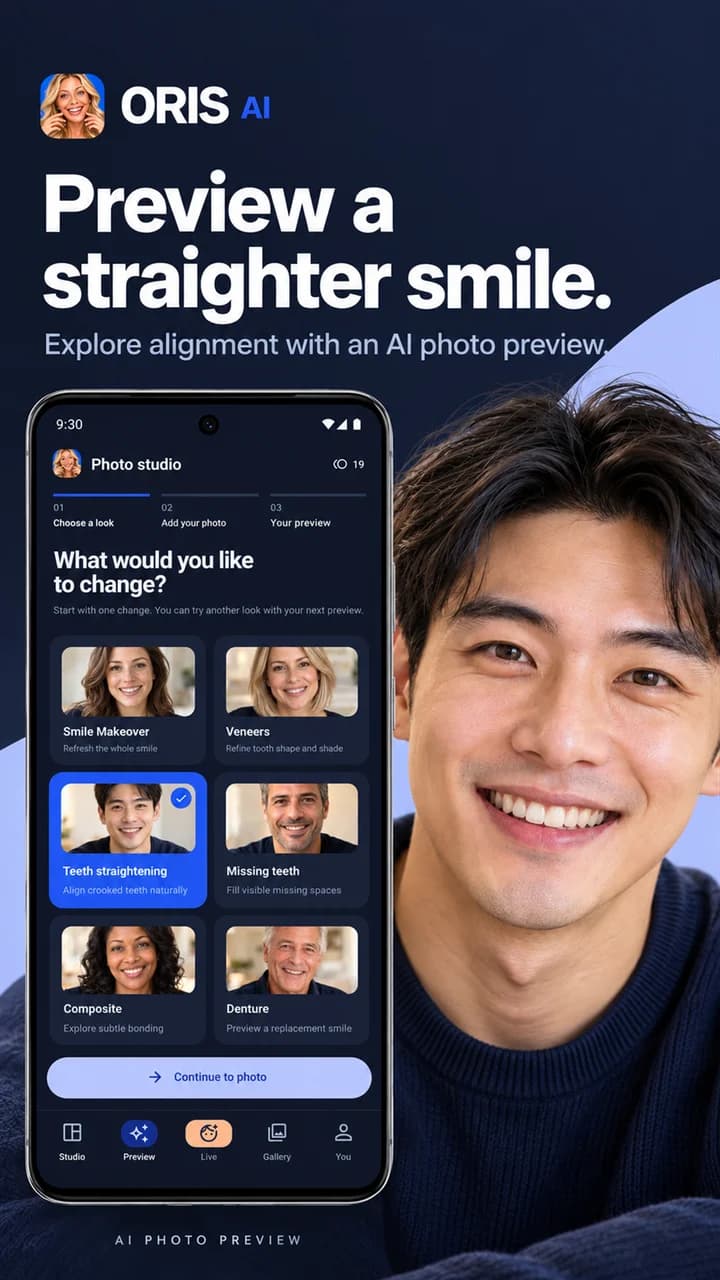
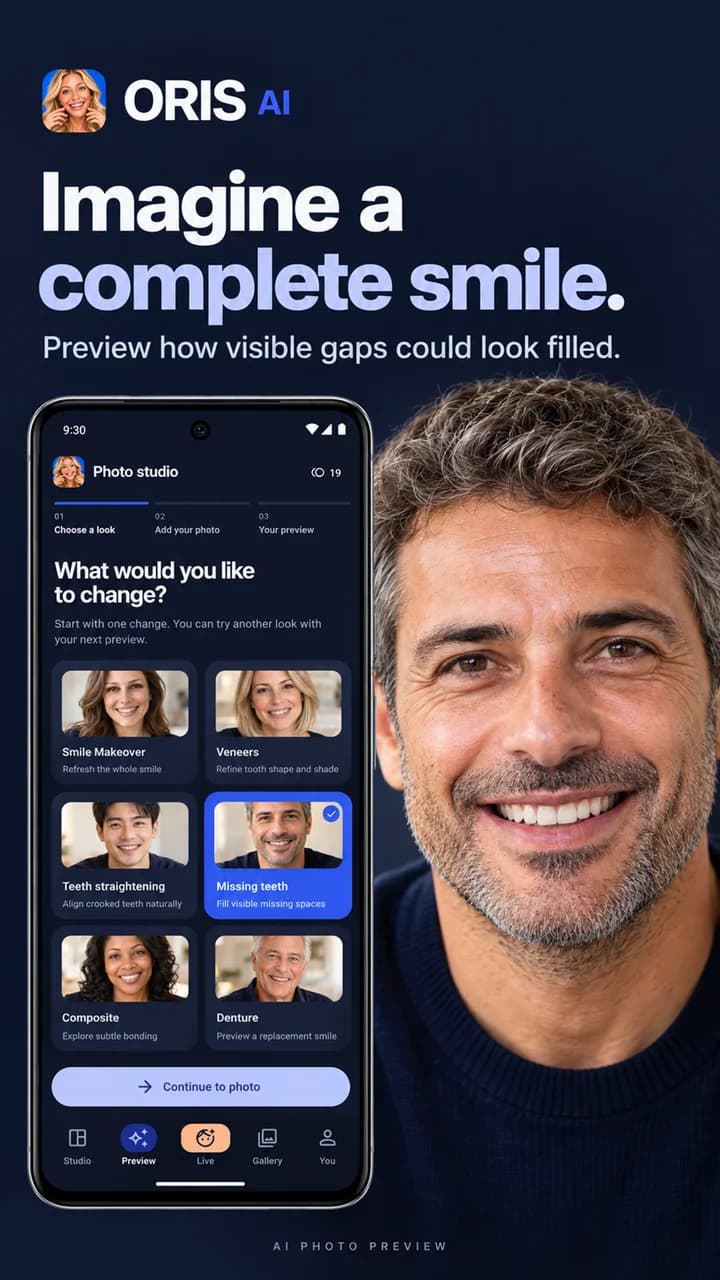
Explore a smile makeover, veneers, teeth straightening, the appearance of filled gaps, composite bonding or dentures. Choose the look you want to explore and start with your own photo.
View your original photo alongside the AI preview. Compare the appearance of your teeth and smile to see what has changed in the image.
Keep results in your private gallery. Download a favourite image or share it with someone you choose when you want to discuss the look you have explored.
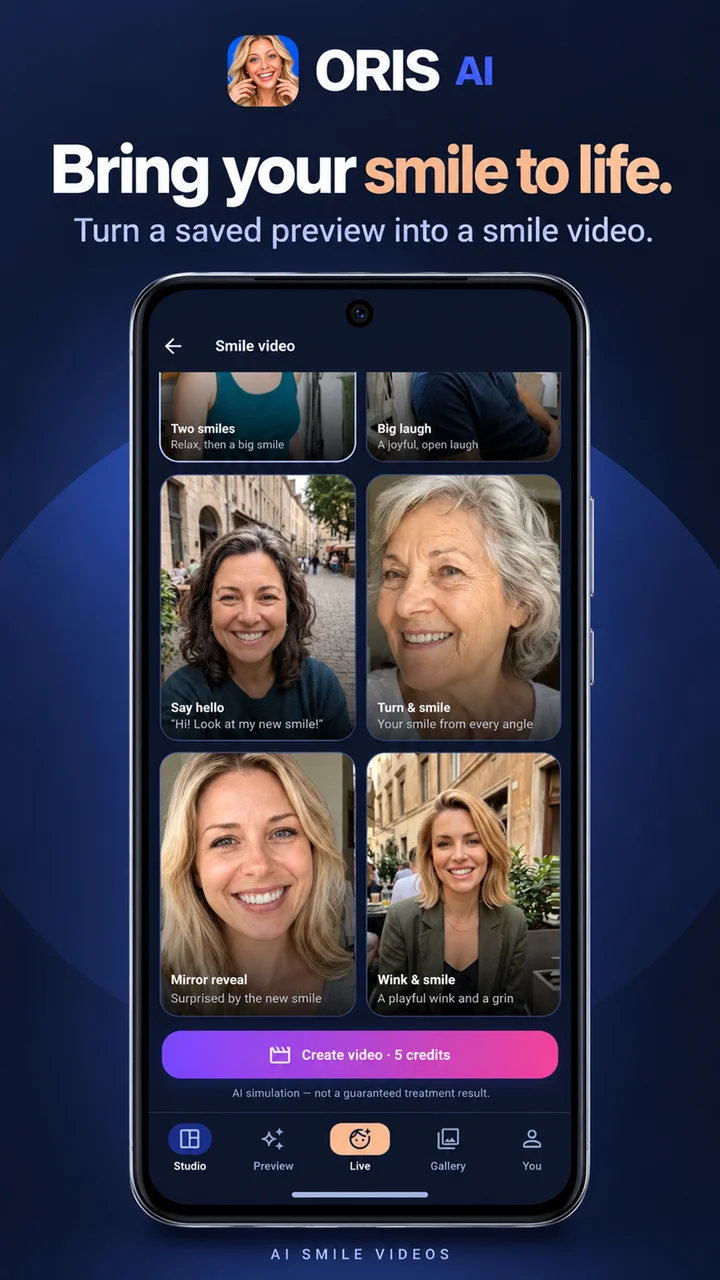
Turn a suitable saved photo preview into a short AI video. Choose styles including a big laugh, a greeting, a turn and smile, or a mirror reveal.
Take a photo or choose one from your library. Use a well-lit, full-face image with your teeth visible as you smile. A photo without a smile can lead to a less realistic result.
FREE AND CREDIT FEATURES
Google sign-in is required. Credit packs are purchased through Google Play. Selected photos are processed in the cloud for AI previews.
EXPLORE THE APP
Promotional images from Oris AI's Google Play launch. Previews illustrate appearance and do not show treatment outcomes.
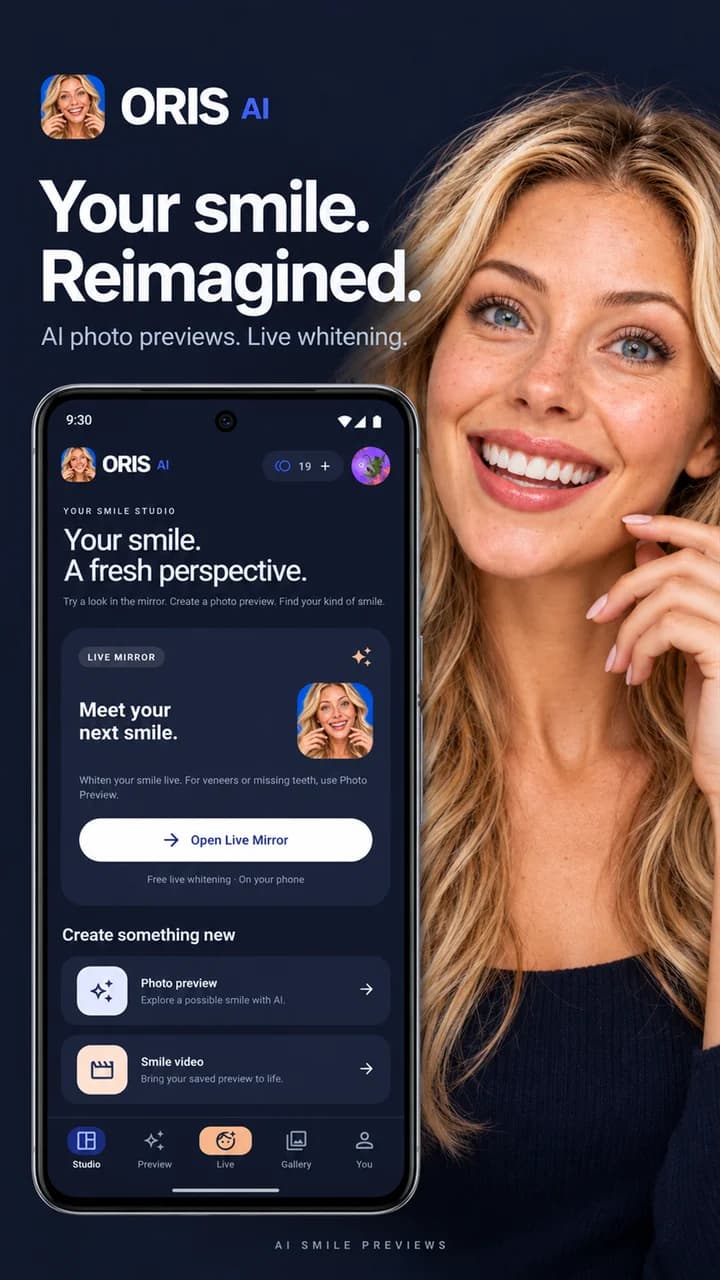
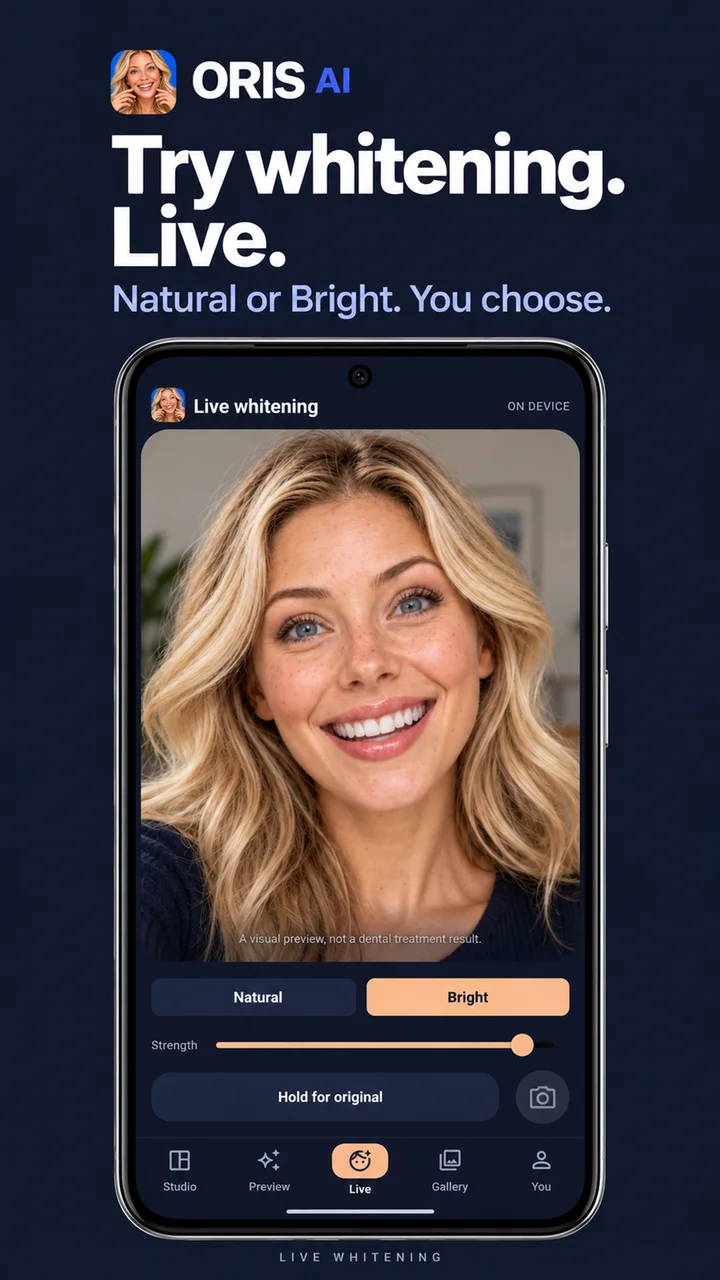
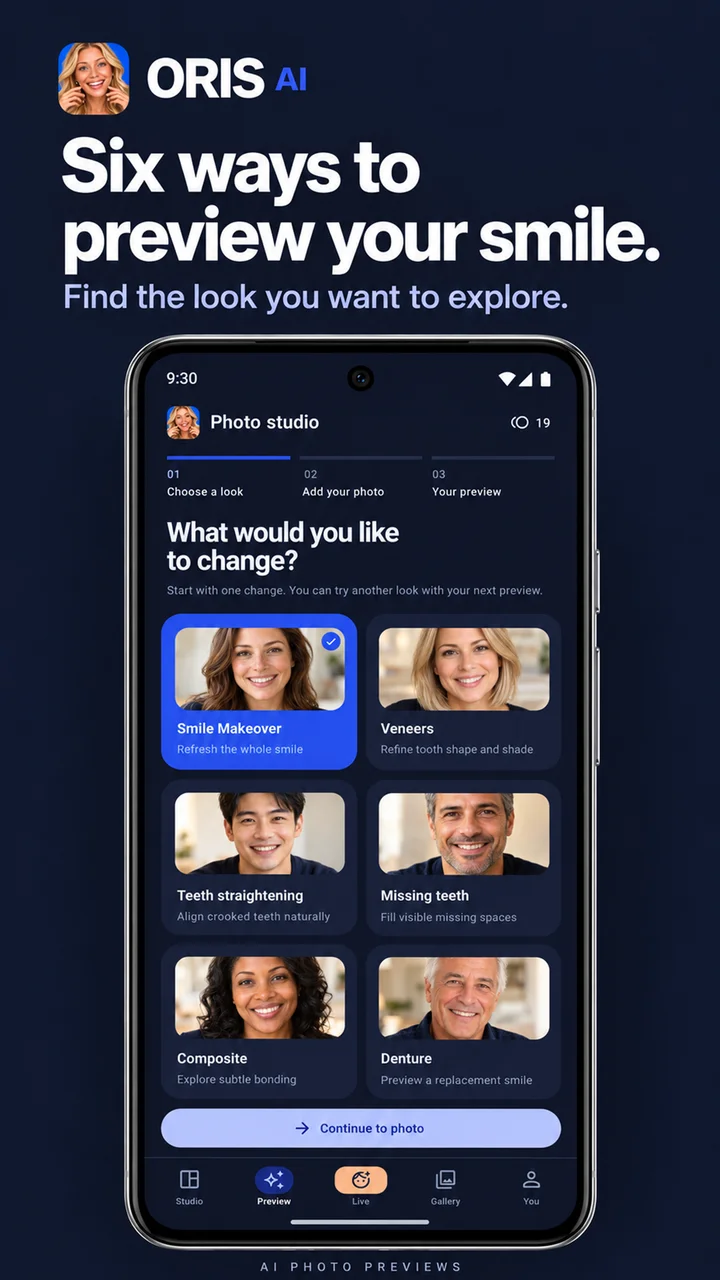
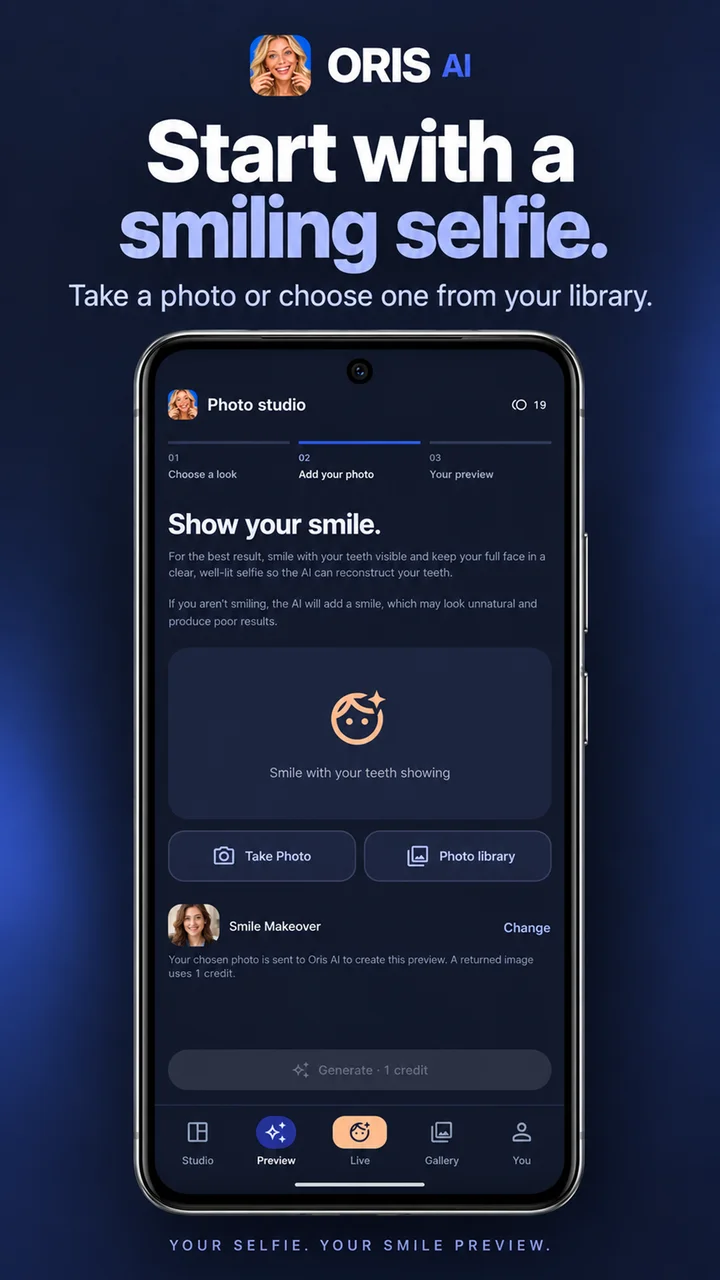
Oris AI: Fix Bad Teeth is available for Android on Google Play. The buttons on this page open the app's official listing.
Live teeth whitening is free and uses no credits. Each AI photo preview uses 1 credit, and each AI smile video uses 5 credits. Credit packs are available through Google Play.
There are six options: smile makeover, veneers, teeth straightening, missing teeth, composite bonding and dentures. Each creates a cosmetic illustration from your own photo.
Live camera whitening is processed on your phone. Photos you select for AI previews are processed in the cloud. Google sign-in is required; the app's privacy policy explains data handling and account deletion.
Choose a well-lit, full-face selfie with your teeth visible as you smile. If you are not smiling in the photo, the AI may add a smile that looks less realistic.
No. Oris AI creates cosmetic visual previews and does not physically whiten, straighten or replace teeth. It does not provide dental diagnosis, treatment advice or guaranteed results. AI results may vary; consult a qualified dentist about dental care and treatment options.
Download Oris AI and start with free live teeth whitening.
