When you are considering a cosmetic change to your smile — brighter enamel, subtle composite edge smoothing, straighter teeth, veneers, or filling a visible gap — the hardest step before visiting a dentist is not a lack of articles. It is not knowing how different directions actually look on your own face.
Practical questions come up right away: Would a soft natural shade suit me better than a brighter white look? Would alignment or composite work match what I picture, or am I imagining veneers? And does that preview still look natural when I talk and smile in motion rather than in a single frozen photo?
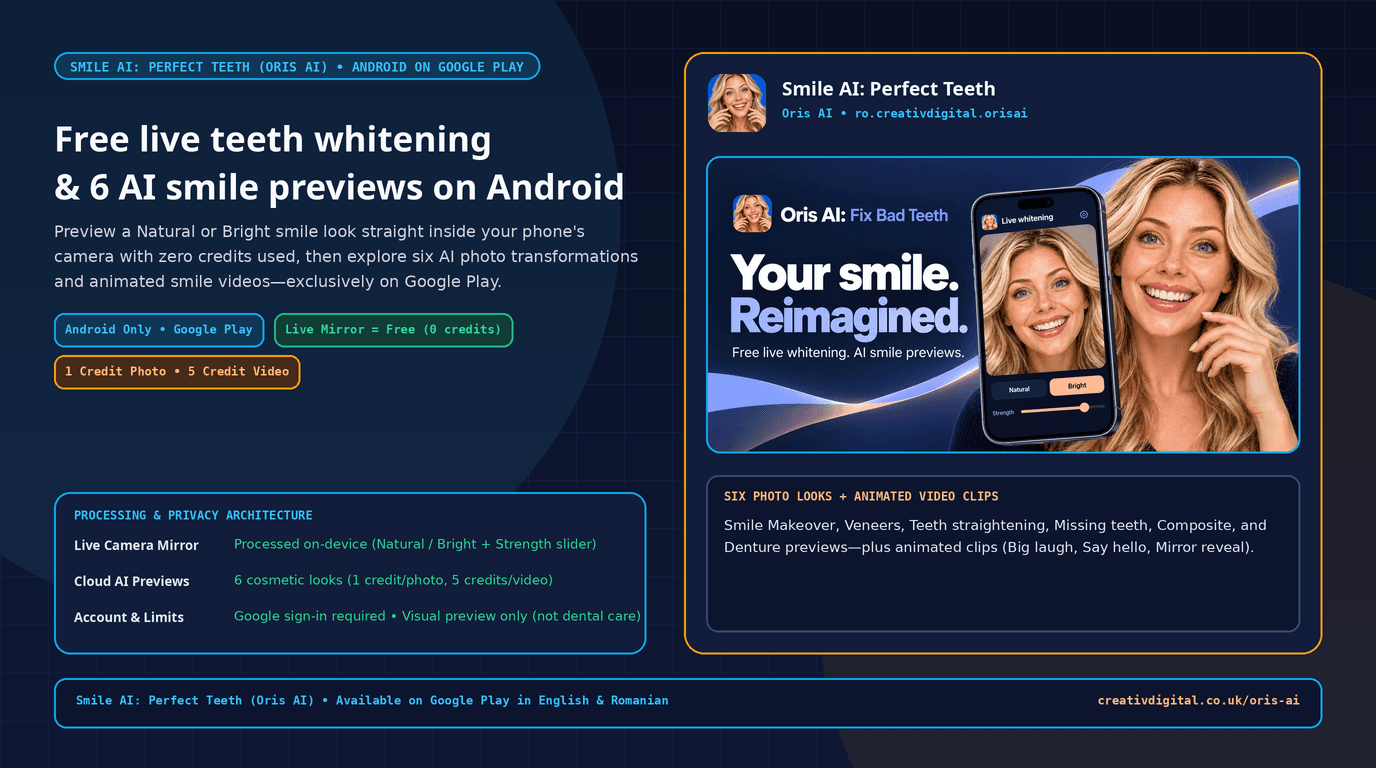
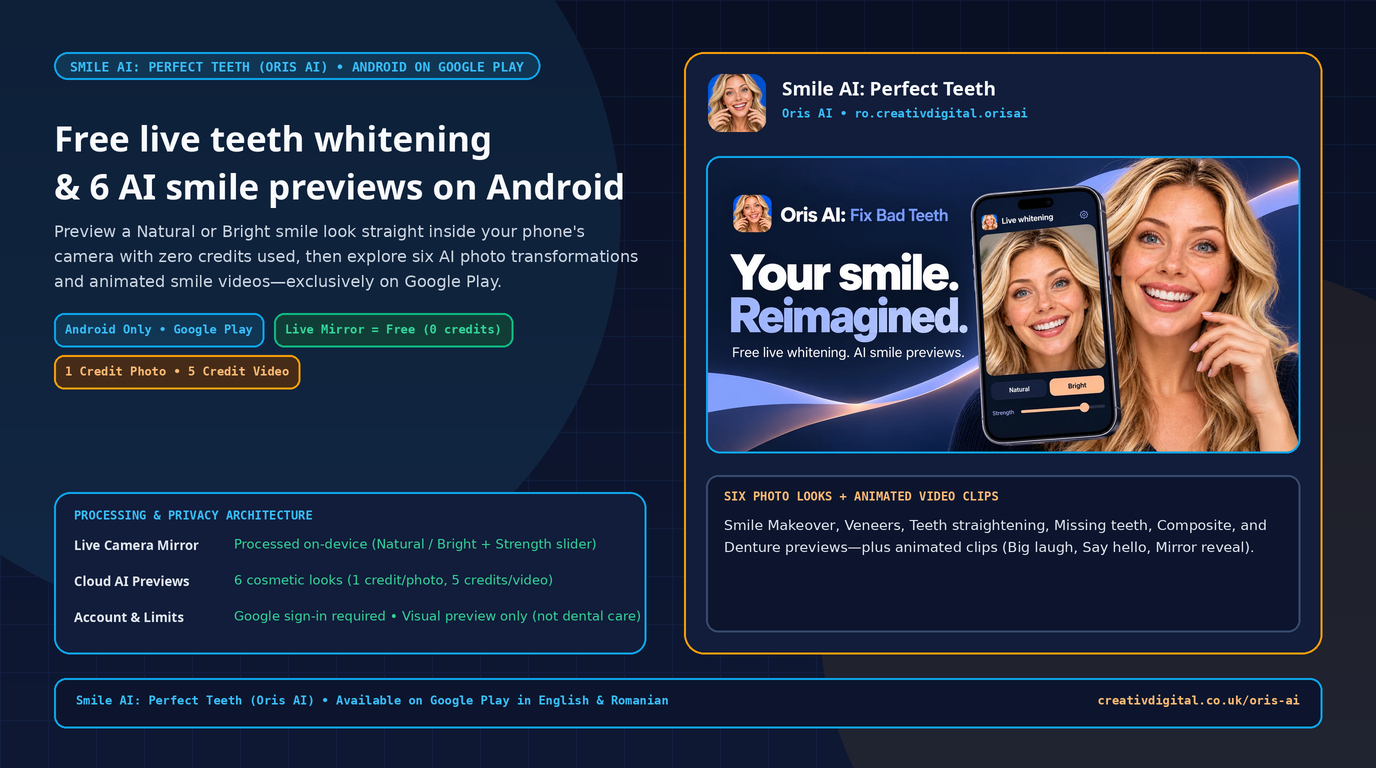
That is what we designed Smile AI: Perfect Teeth (Oris AI) around — an Android app available exclusively on Google Play structured into three straightforward tiers: start free with a live on-device camera whitening mirror (0 credits), compare 6 targeted cloud AI photo looks from one clear selfie (1 credit), and turn a saved preview into a short animated smile video (5 credits).
One Google Play Workflow, Three Clear Tiers
Most AI smile apps force you to upload a photo to remote servers and spend paid credits just to see a basic shade adjustment. In Smile AI: Perfect Teeth (Oris AI), we separated what can run privately on your phone right away from heavy cloud rendering.
Each tier has a distinct purpose, credit cost, and processing path:
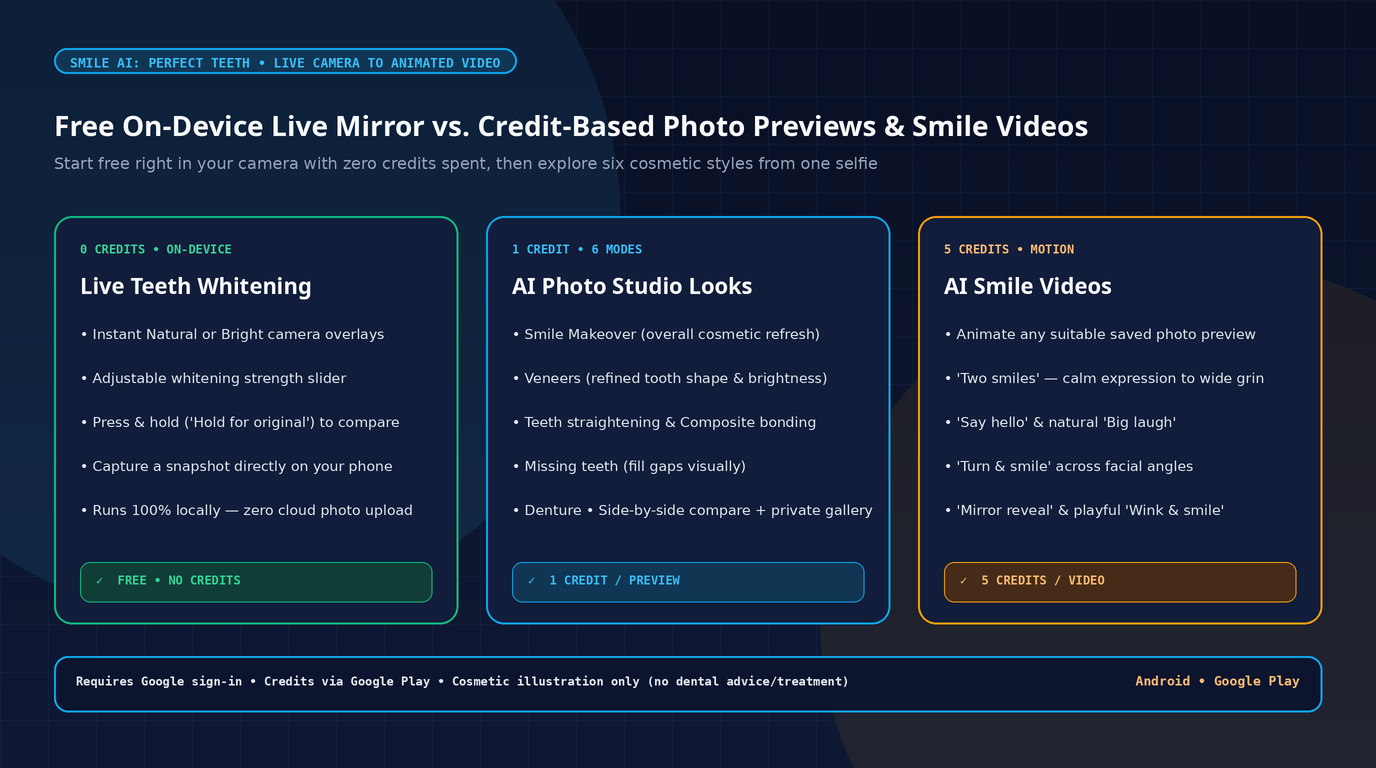
| Tier | What You Get Inside the App | Cost | Processing Path |
|---|---|---|---|
| 1. Live Whitening Camera | Real-time AR camera mirror with Natural & Bright styles, continuous Strength slider, Hold for original toggle, and quick snapshot | 0 credits (Free) | On-device — stays on your Android phone with zero cloud photo upload |
| 2. AI Smile Photo Previews | 6 distinct cosmetic modes from one clear front selfie + side-by-side comparison & private saved gallery | 1 credit / preview | Cloud AI (requires internet & Google Sign-In) |
| 3. AI Smile Motion Video | Short animated video generated from a suitable saved preview across 6 movement styles | 5 credits / video | Cloud AI (built from your saved gallery preview) |
Separating those layers means you can experiment with shade intensity on your live camera feed without burning credits, and only spend Google Play credit packs when you intentionally want a full cloud photo or video render.
Tier 1 (0 Credits): Free On-Device Live Camera Whitening
The fastest feature to open after signing in with Google is the Live teeth whitening mirror. Rather than slapping a flat filter onto a still image, the live camera mode tracks teeth in real time and adjusts brightness while respecting enamel contours.
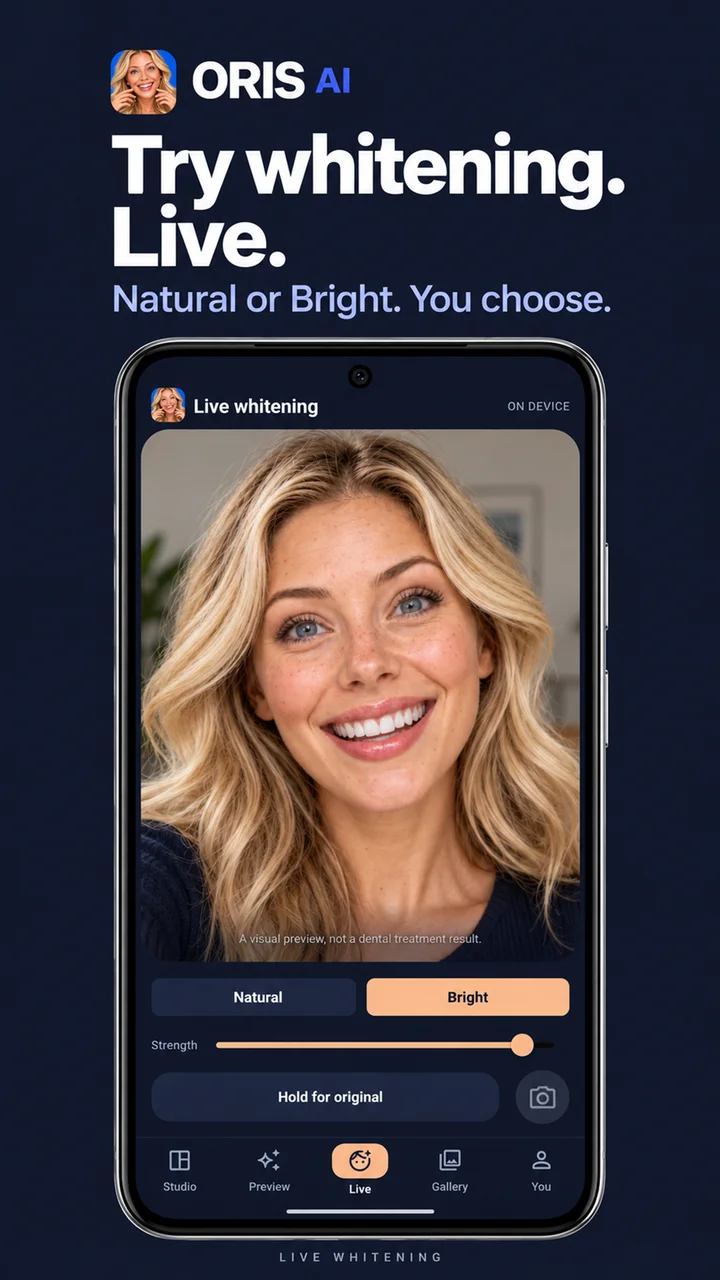
Built-in controls you can test live:
Naturalvs.Brightlooks: toggle instantly between a subtle, natural enamel lift and a noticeably brighter shade.- Continuous
Strengthslider: dial intensity gently up or down so you can find a believable balance against your skin tone and lighting. Hold for originalA/B check: press and hold directly in the mirror to see your unedited real smile under the exact same light, then release to jump back.- Strictly on-device processing: the live mirror feed stays on your phone — nothing is uploaded to the cloud and zero credits are deducted.
Practical Situation #1: Testing whitening shades at zero cost before buying kits or booking a polish
A common mistake before whitening is aiming for a shade so bright it stops matching natural facial tones. Standing near even daylight with the live camera mirror, switching between Natural and Bright, and tapping Hold for original shows in seconds whether you prefer a gentle refresh or a brighter lift — before spending a cent.
Tier 2 (1 Credit): Six Targeted AI Smile Photo Previews
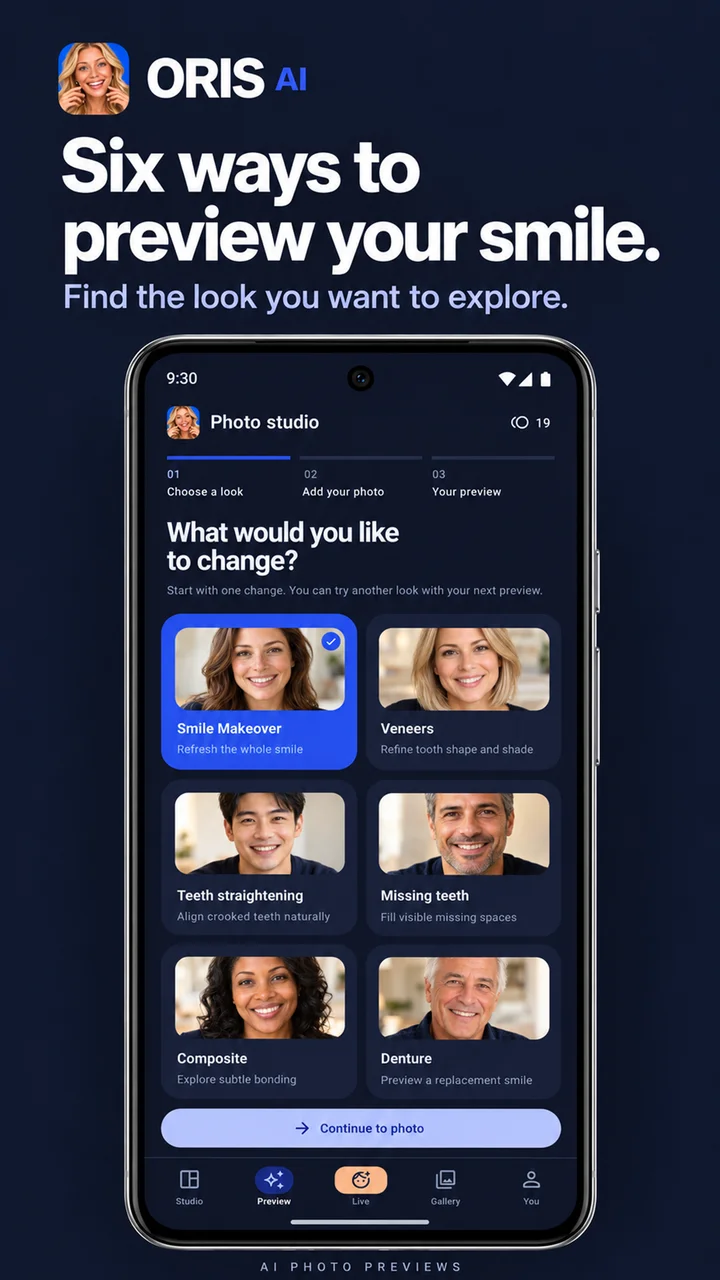
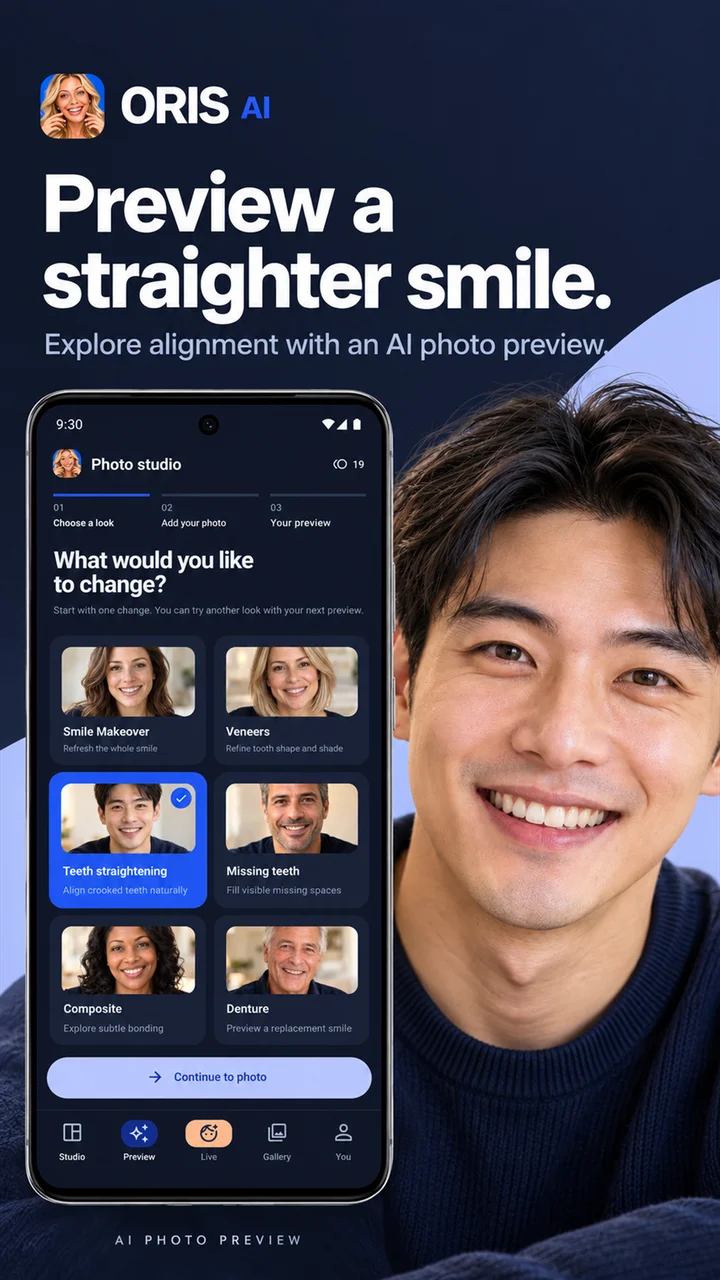
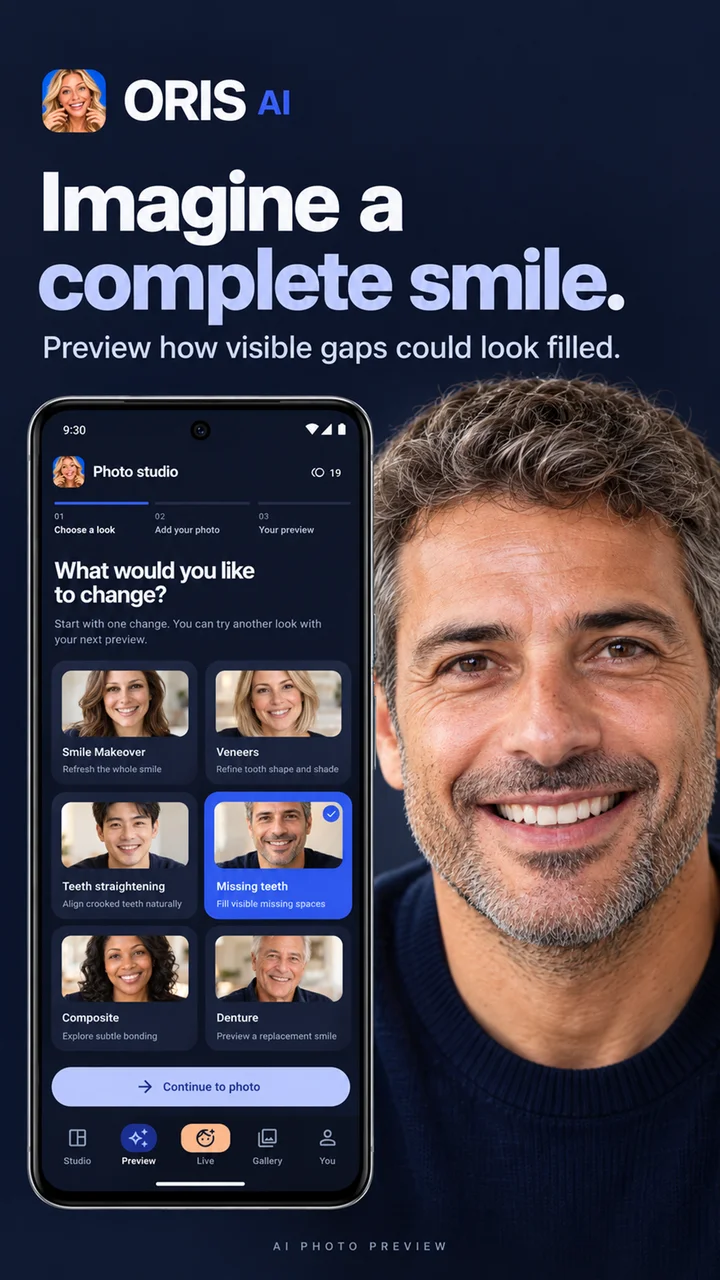
Whitening alone does not answer structural questions like spacing, chipped edges, crowding, or missing teeth. Inside Smile AI: Perfect Teeth, a single clear, front-facing smiling selfie unlocks 6 specialized AI photo modes at 1 credit each:
- Smile Makeover — balanced overall cosmetic smile refresh.
- Veneers — cleaner shape symmetry and bright finish preview associated with veneers.
- Teeth straightening — visual orthodontic alignment preview across the upper arch.
- Missing teeth — cosmetic preview showing visible gaps filled in cleanly.
- Composite — subtle refinement for minor chips, edges, and tooth contour.
- Denture — fuller restoration preview for broader smile coverage.
Side-by-side comparison and private gallery
Every generated look is stored in your private in-app gallery alongside a clean side-by-side comparison against your original photo, with built-in Download and Share controls when you want to keep a copy or bring screenshots to an appointment.
Veneers Mode | Teeth straightening Mode | Missing teeth Mode |
|---|---|---|
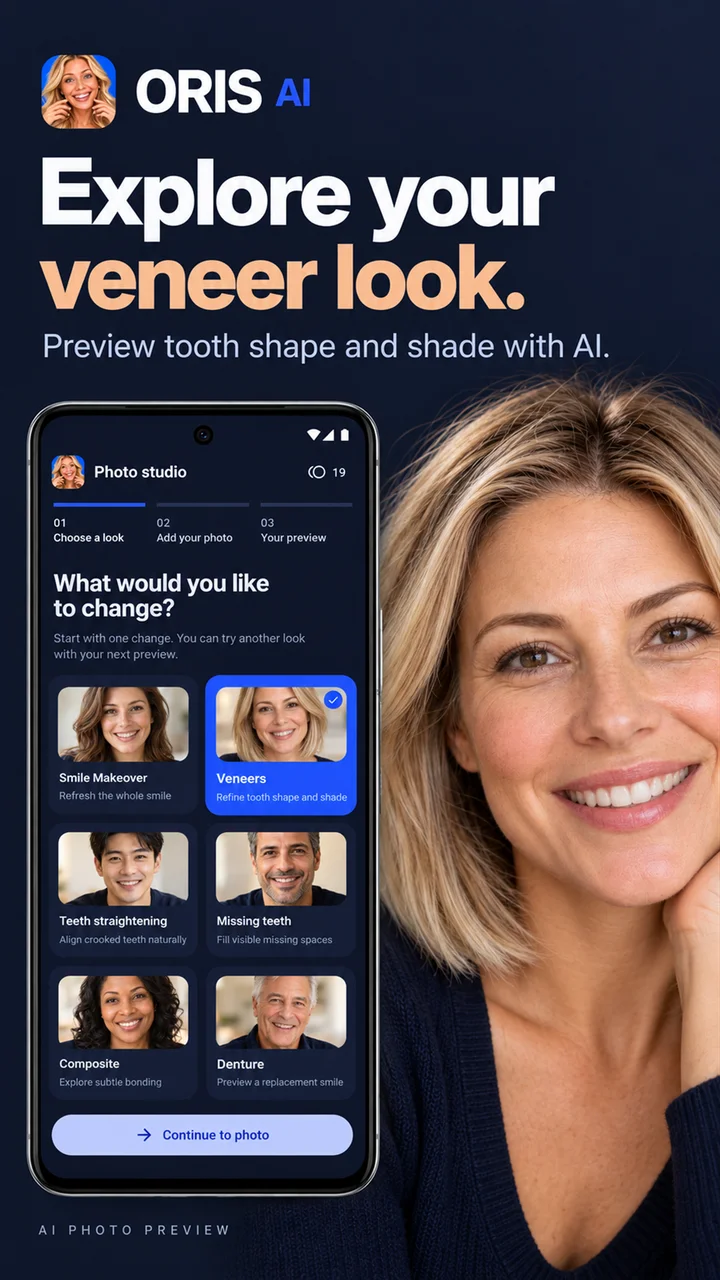 |  |  |
Practical Situation #2: Comparing bonding vs. alignment vs. veneers on your own face
Instead of trying to imagine dental terminology from stock photos on another person, run two or three targeted modes on the same selfie — for example Composite for minor edge polish, Teeth straightening for arch order, and Veneers for uniform contour and shade. Placing those results next to each other immediately clarifies how subtle or dramatic a change actually appeals to you.
Tier 3 (5 Credits): AI Smile Videos to Check Proportions in Motion
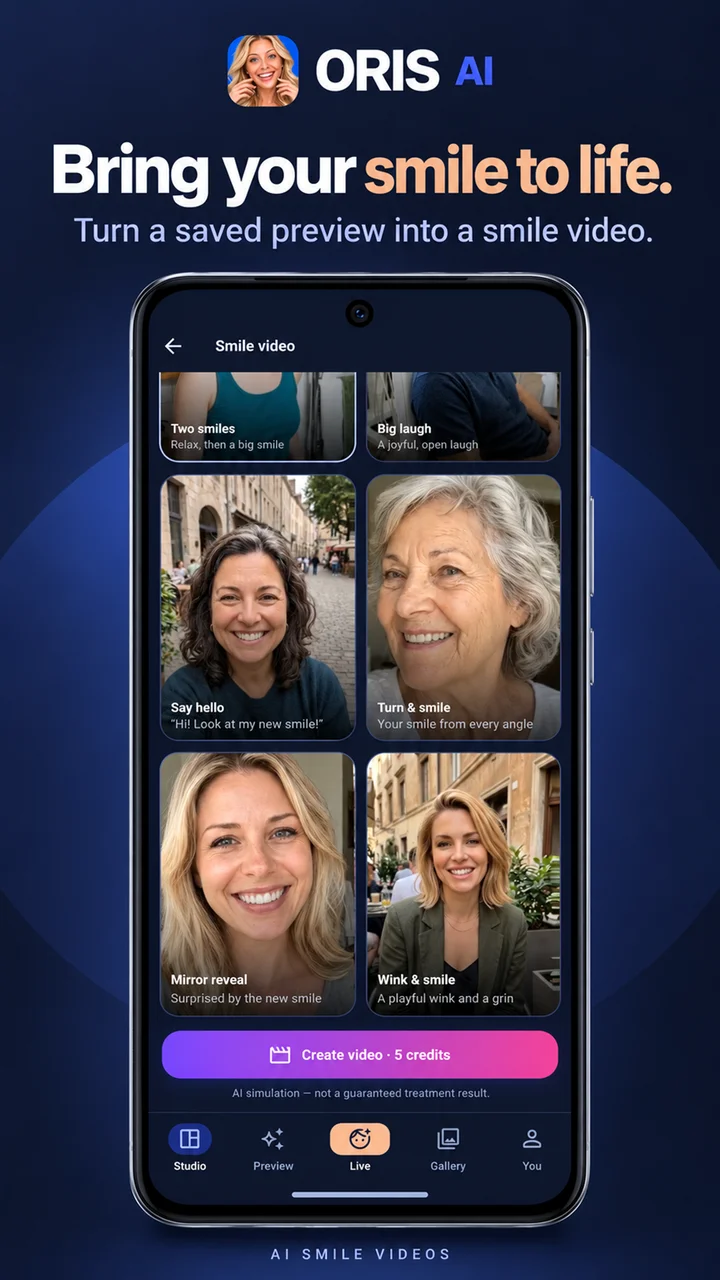
A still front portrait only captures one frozen expression. In everyday life, people see your smile while greeting someone, laughing, or turning your head. From any suitable saved preview in your Smile AI: Perfect Teeth gallery, you can create a short Smile video (5 credits) using 6 built-in motion presets:
- Two smiles
- Big laugh
- Say hello
- Turn & smile
- Mirror reveal
- Wink & smile
Practical Situation #3: Spotting what feels natural vs. overdone in motion
Sometimes a bright or ultra-uniform static preview looks appealing as a still image, yet feels slightly artificial once animated. Rendering a quick Say hello or Turn & smile clip lets you judge lip movement, tooth length, and shade balance dynamically before discussing options with a dentist.
Tips for Clean Previews — and Honest Cosmetic Boundaries
Like any camera or vision model, output quality starts with the photo you provide. For reliable photo (1 credit) and video (5 credits) previews:
- Use even front lighting: face soft daylight from a window and avoid harsh overhead shadows across your mouth.
- Show a clear natural smile: keep teeth clearly visible with relaxed lips rather than a closed-mouth grin.
- Face straight ahead with no obstructions: avoid sunglasses, hands near your mouth, heavy third-party beauty filters, or steep side angles.
Important Cosmetic-Only Disclaimer
Please keep the exact scope of Smile AI: Perfect Teeth (Oris AI) clear:
Cosmetic visualization only: Live camera whitening, AI photo previews, and AI smile videos are purely cosmetic visual illustrations designed for personal exploration. The app does not physically whiten, straighten, repair, or replace teeth, provides no dental diagnosis, and does not guarantee clinical treatment outcomes. Always consult a qualified dentist for oral health evaluation and real treatment planning.
Platform, sign-in, and privacy notes:
- Android / Google Play exclusive: available strictly on Google Play (
ro.creativdigital.orisai) using Google Sign-In for account access and Google Play billing for optional credit packs. - Clear data boundary: live whitening runs locally on your Android device without uploading photos; images are uploaded for cloud processing only when you request a
1-creditphoto preview or5-creditsmile video. See the published Privacy Policy and Account Deletion documentation anytime.
How Oris AI Fits Alongside Other CreativDigital Dental Apps
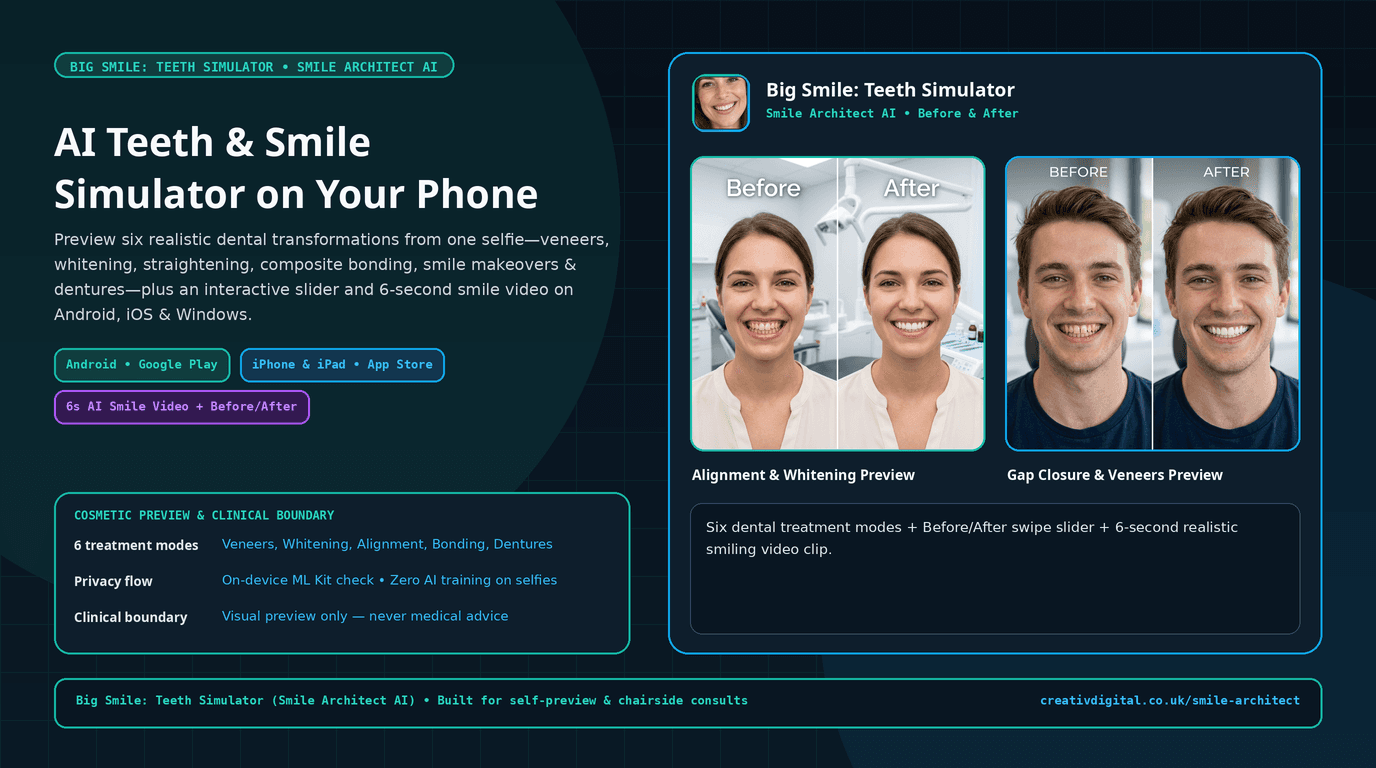
If you have already seen Big Smile: Teeth Simulator (Smile Architect AI), both apps serve complementary workflows:
- Smile AI: Perfect Teeth (Oris AI) focuses strictly on Android / Google Play, giving users a free on-device live camera whitening mirror (
0 credits), 6 specific cosmetic photo looks (includingComposite,Missing teeth, andDenture), and 6 animated smile video presets (5 credits). - Smile Architect AI (
Big Smile: Teeth Simulator) expands into multi-angle 8-direction mockups and multi-platform support. - For broader oral-care education and tracking tools, explore Gum Disease Tracker, XrayDent AI, and our full Android apps showcase.
Frequently Asked Questions About Smile AI: Perfect Teeth (Oris AI)
Is Smile AI: Perfect Teeth free to try on Google Play?
Yes. Downloading the app on Google Play is free, and the live camera whitening mirror costs 0 credits and runs directly on your Android device. Cloud AI photo previews cost 1 credit each and AI smile videos cost 5 credits, unlocked via optional Google Play credit packs.
Is Oris AI available on iPhone (iOS) or Windows?
No. Smile AI: Perfect Teeth (Oris AI) is available exclusively on Android through Google Play. If you want cross-platform smile previews beyond Android, take a look at Smile Architect AI.
Are live whitening camera frames uploaded to the cloud?
No. Live camera whitening runs on-device on your Android phone with zero photo upload. Cloud processing is used only when you generate a 1-credit photo preview or a 5-credit smile video.
Which photos work best for Veneers, Composite, or Missing teeth previews?
A sharp, evenly lit, front-facing selfie with an unobstructed smile showing your teeth produces the cleanest results.
Planning a mobile AI app with on-device camera processing plus cloud generation?
Our team builds Android and cross-platform apps combining fast local camera pipelines with cloud AI workflows and Google Play billing. Learn more on our mobile and web app development page or contact our team.